Installation

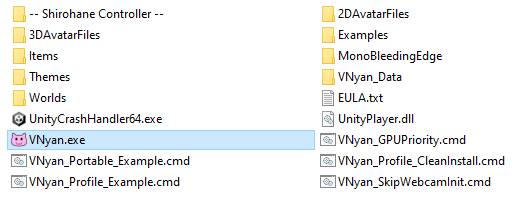
- Download and unzip the plugin, overwriting the VNyan folder. Your VNyan installation should look like the structure below.
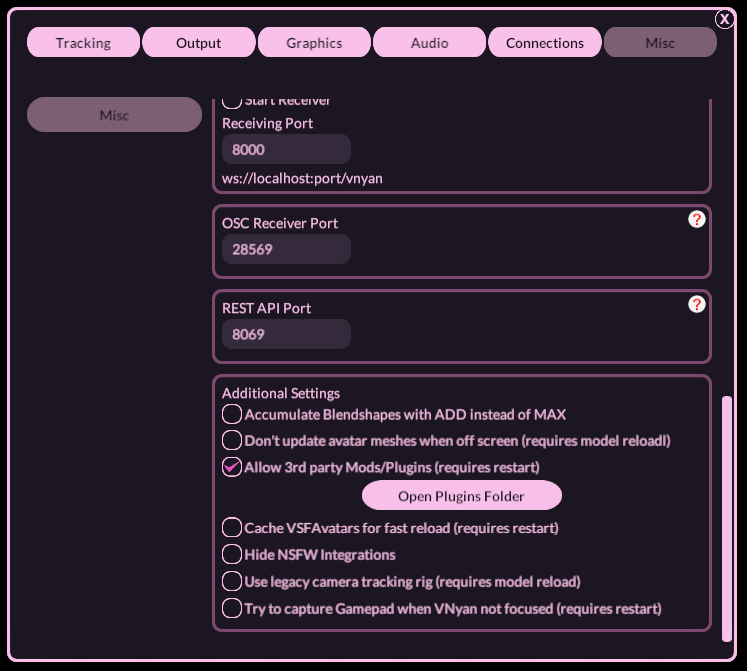
- Start VNyan and enable “Allow 3rd party Mods/Plugins” located under Settings > Misc > Additional Settings. Restart VNyan for the settings to take effect.
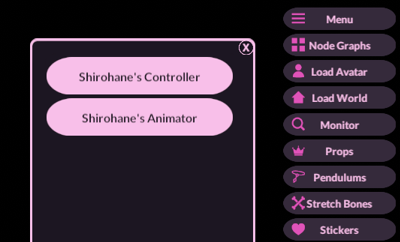
- “Shirohane’s Controller” and “Shirohane’s Animator” should now appear in the Plugin list.